LIVESIGNAL OVER NOISE - 375K+ FOLLOWERS ACROSS SOCIAL PLATFORMS - 18+ YEARS IN MARKETING - NEW AI DISPATCHES - NO HYPE, NO PAYWALL - SIGNAL OVER NOISE - 375K+ FOLLOWERS ACROSS SOCIAL PLATFORMS - 18+ YEARS IN MARKETING - NEW AI DISPATCHES - NO HYPE, NO PAYWALL - SIGNAL OVER NOISE - 375K+ FOLLOWERS ACROSS SOCIAL PLATFORMS - 18+ YEARS IN MARKETING - NEW AI DISPATCHES - NO HYPE, NO PAYWALL - SIGNAL OVER NOISE - 375K+ FOLLOWERS ACROSS SOCIAL PLATFORMS - 18+ YEARS IN MARKETING - NEW AI DISPATCHES - NO HYPE, NO PAYWALL - LIVESIGNAL OVER NOISE - 375K+ FOLLOWERS ACROSS SOCIAL PLATFORMS - 18+ YEARS IN MARKETING - NEW AI DISPATCHES - NO HYPE, NO PAYWALL - SIGNAL OVER NOISE - 375K+ FOLLOWERS ACROSS SOCIAL PLATFORMS - 18+ YEARS IN MARKETING - NEW AI DISPATCHES - NO HYPE, NO PAYWALL - SIGNAL OVER NOISE - 375K+ FOLLOWERS ACROSS SOCIAL PLATFORMS - 18+ YEARS IN MARKETING - NEW AI DISPATCHES - NO HYPE, NO PAYWALL - SIGNAL OVER NOISE - 375K+ FOLLOWERS ACROSS SOCIAL PLATFORMS - 18+ YEARS IN MARKETING - NEW AI DISPATCHES - NO HYPE, NO PAYWALL -
The shortlist · Personal ranking

My Top 6 AI Image Generators — October 2026

These are my top six AI image generators right now, ranked by my own testing. Each has different strengths, so try more than one depending on the capability or style you need.

By Matt FarmerPersonal rankingUpdated October 3, 2026

Ranked image generator shortlist

  1. Best all-rounder

    ChatGPT Images 2.5

    A real upgrade and my number one pick. Its art and style are stronger than Nano Banana 2, and it is exceptionally good at combining multiple items into one image. It is a great mix of useful, capable and beautiful.

    In my testing, it has been the most dependable model here for complex reference combinations. Image generation and editing happen inside ChatGPT.

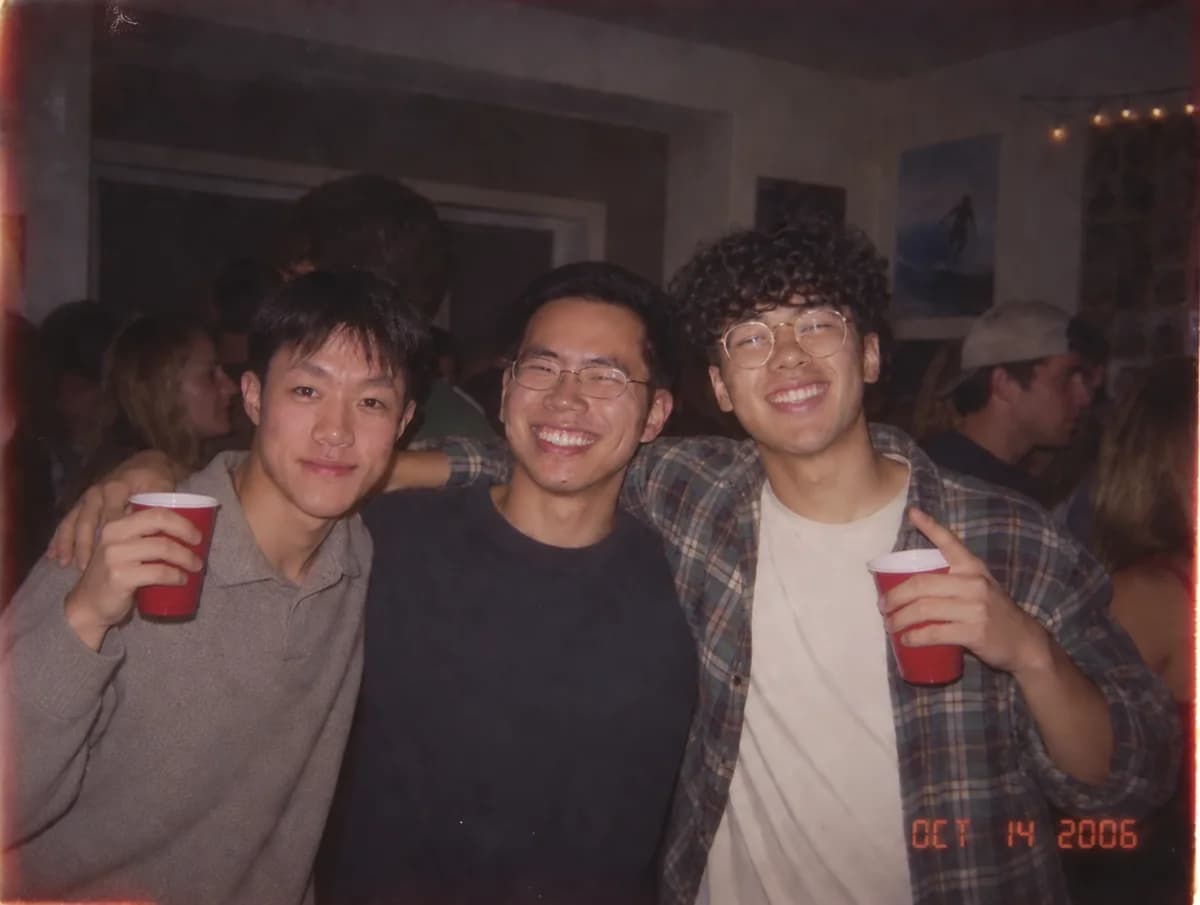
    Three people at a party combined from separate reference photos in an official ChatGPT Images 2.5 example.
    Official OpenAI example: three separate reference photos combined into one scene.
  2. Photoshop by description

    Google Nano Banana 2

    It is almost like Photoshop, except you describe the edit you want. It is also a very capable generator, making it one of the strongest options for practical day-to-day image work.

    Nano Banana 2 is Google's Gemini 3.1 Flash Image model.

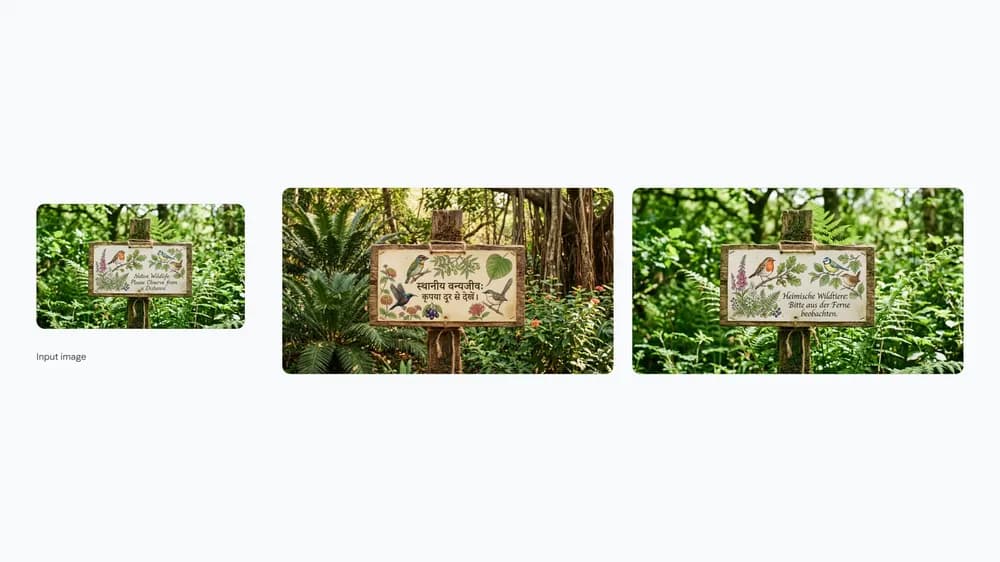
    A wildlife campaign sign translated and adapted into multiple languages in an official Nano Banana 2 example.
    Official Google example: translating and localizing an existing campaign image.
  3. Text, infographics and art

    ByteDance Seedream 5.0 Pro

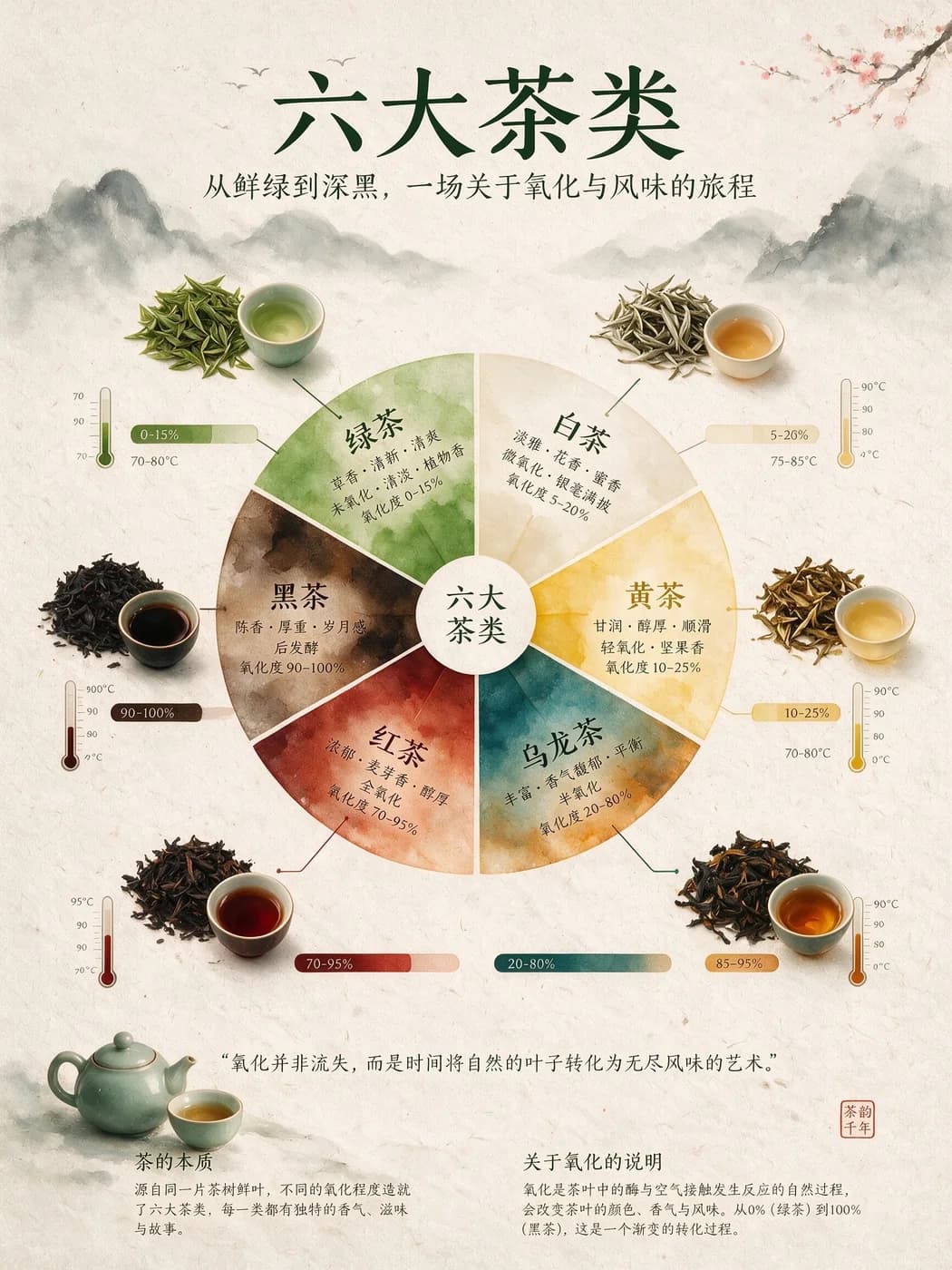
    This one is really different. It mixes great text—even in complex infographics—with solid editing and a genuinely good art style. A lot of editing models do not bring all three together.

    In Dreamina, choose image generation and select Seedream 5.0 Pro.

    A dense Chinese-language tea infographic created as an official Seedream 5.0 Pro example.
    Official ByteDance example: a high-density infographic with structured text and illustration.
  4. Clean, precise editing

    Ideogram 4.5

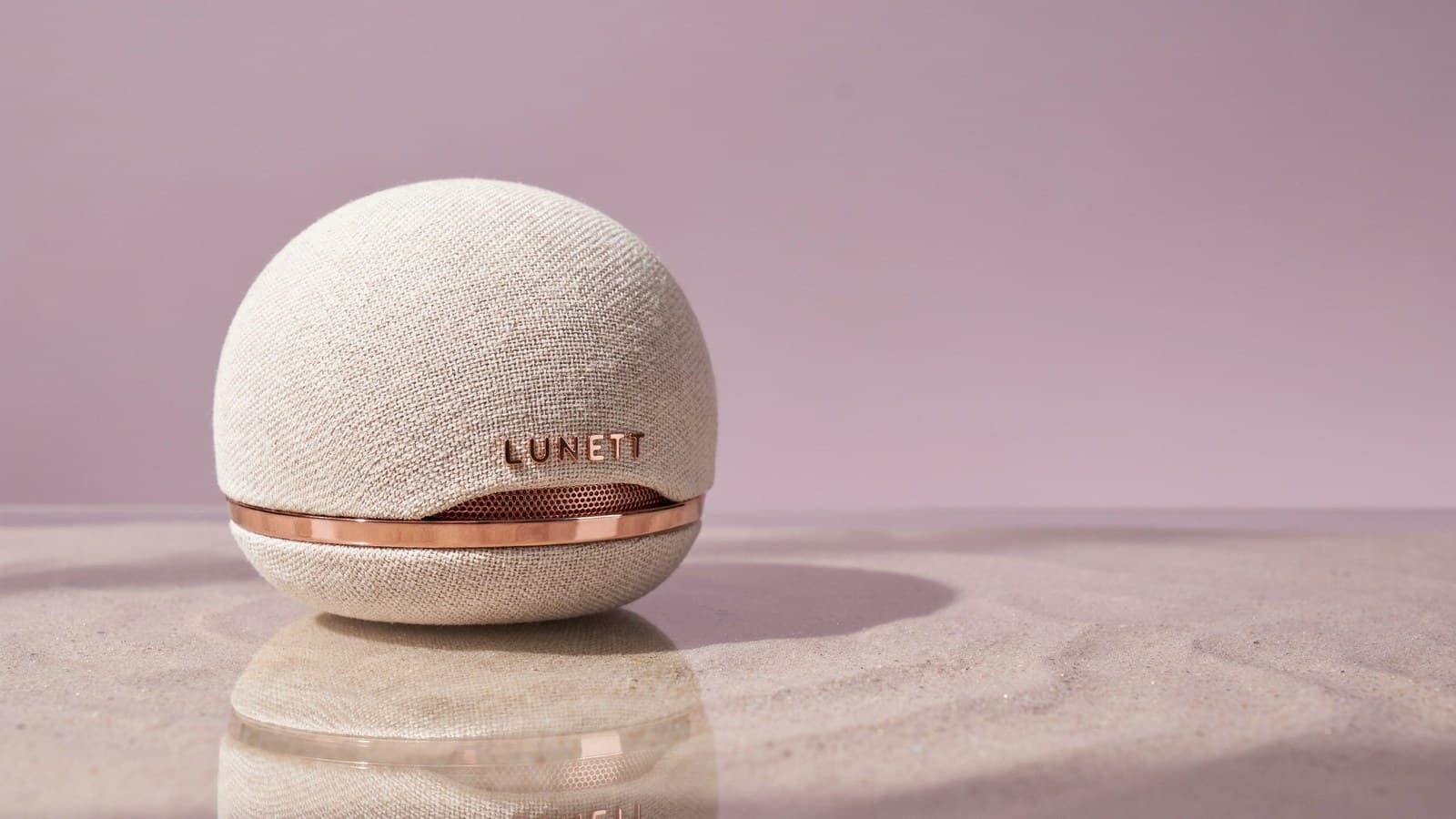
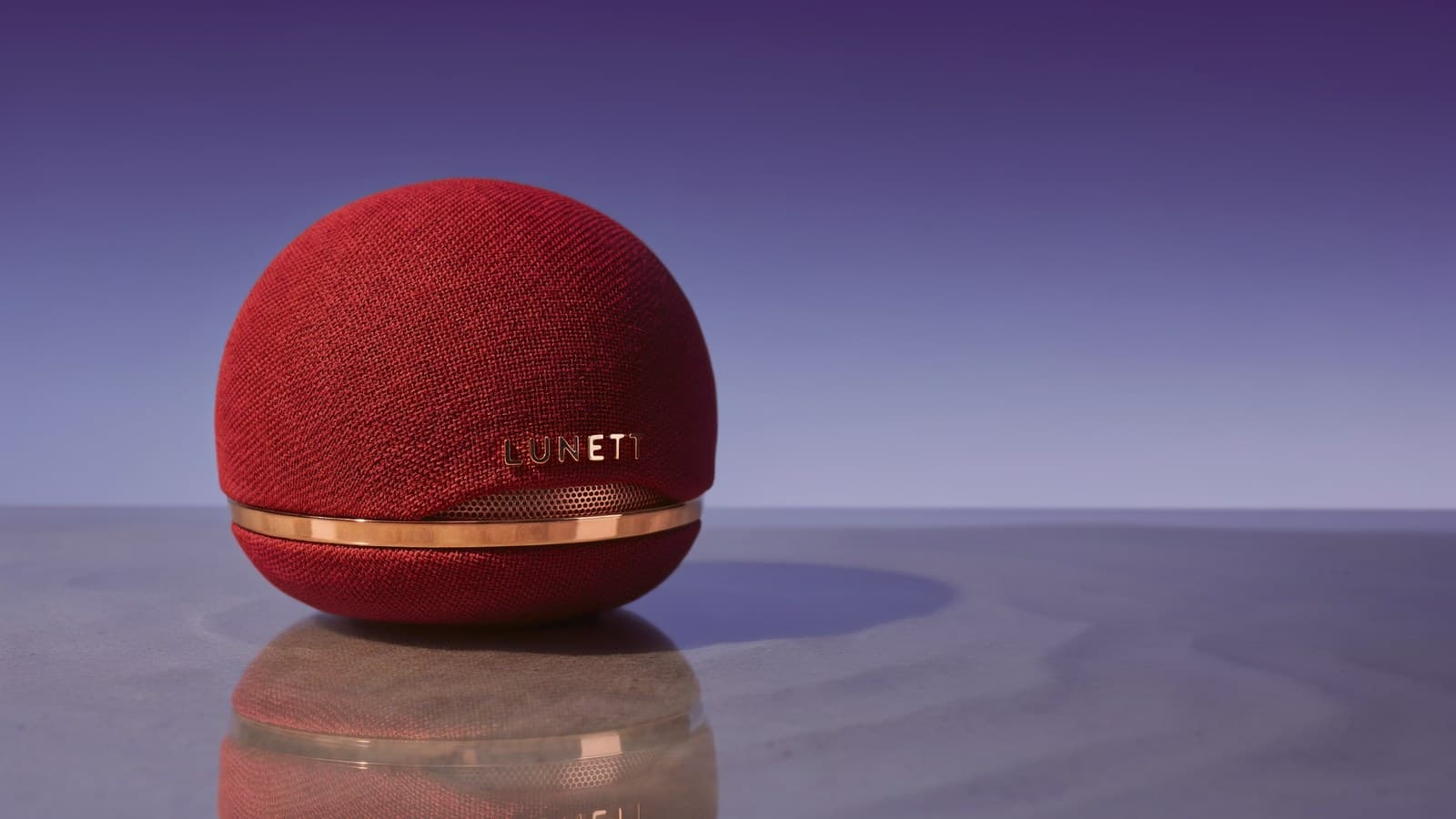
    It does almost perfect edits. Change a product's colour, translate a sign or restore an old photo, and in my testing the rest of the image stays remarkably clean across repeated edits.

    Cream portable speaker before an Ideogram 4.5 colour edit.Before
    The same portable speaker recoloured red after an Ideogram 4.5 edit.After
    Official Ideogram example: the same product recoloured from cream to red while preserving the scene.
  5. Editing and solid all-round use

    Microsoft MAI Image 2.6

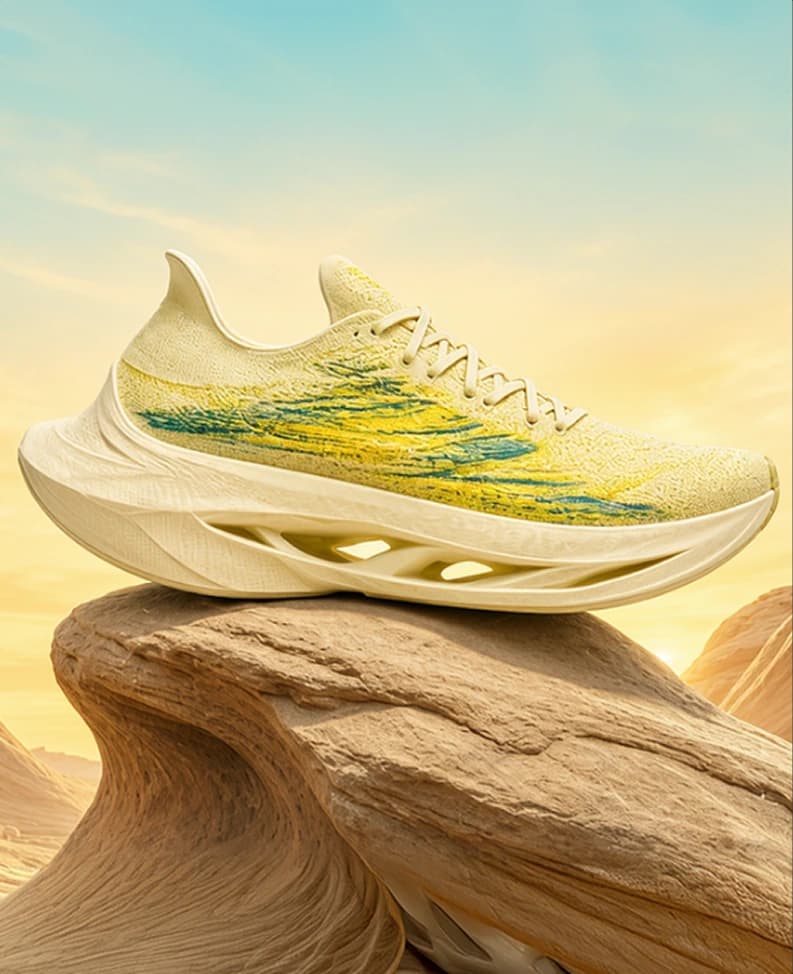
    It is a little like ChatGPT Images 2.5: a really good editing model and a solid all-round generator. You can currently try it online in Microsoft's MAI Playground.

    Cream running shoe staged on a desert rock in an official Microsoft MAI Image 2.6 example.
    Official Microsoft example: a polished product-style generation from MAI Image 2.6.
  6. Beautiful style and local weights

    Krea 2

    It makes beautiful, unique and realistic generations with a style I really like. You can also download the weights and run it locally.

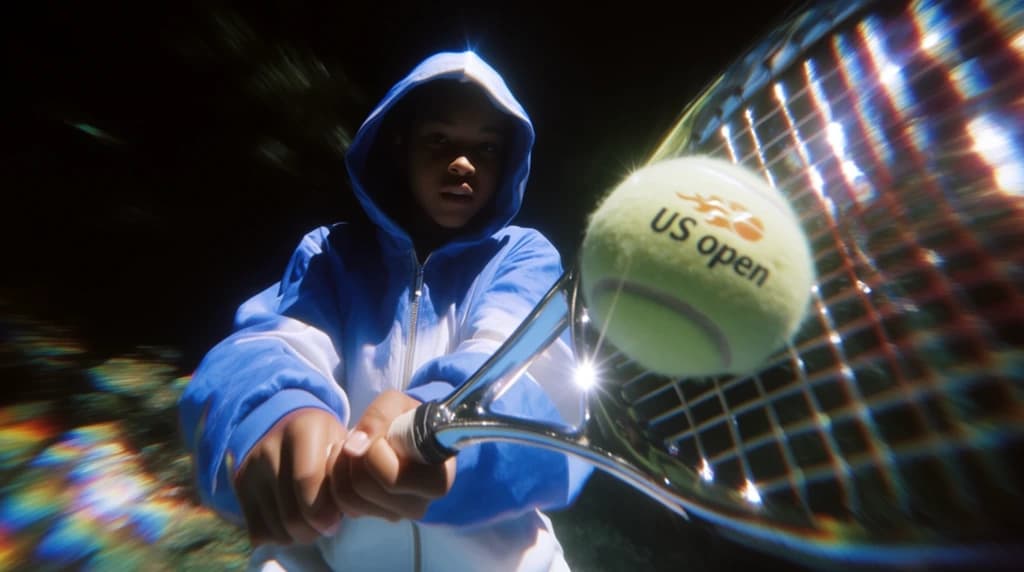
    Dramatic close-up of a tennis player and racquet in an official Krea 2 showcase image.
    Official Krea example: a stylized, realistic sports image from the Krea 2 showcase.

    Local use

    Downloads require a Hugging Face account and acceptance of Krea's community licence. Turbo is the practical inference option; RAW is for training or adaptation.

Try more than one. The best choice depends on the edit, capability or style you need.

Matt's picks for October 2026. Tool links checked October 3, 2026.